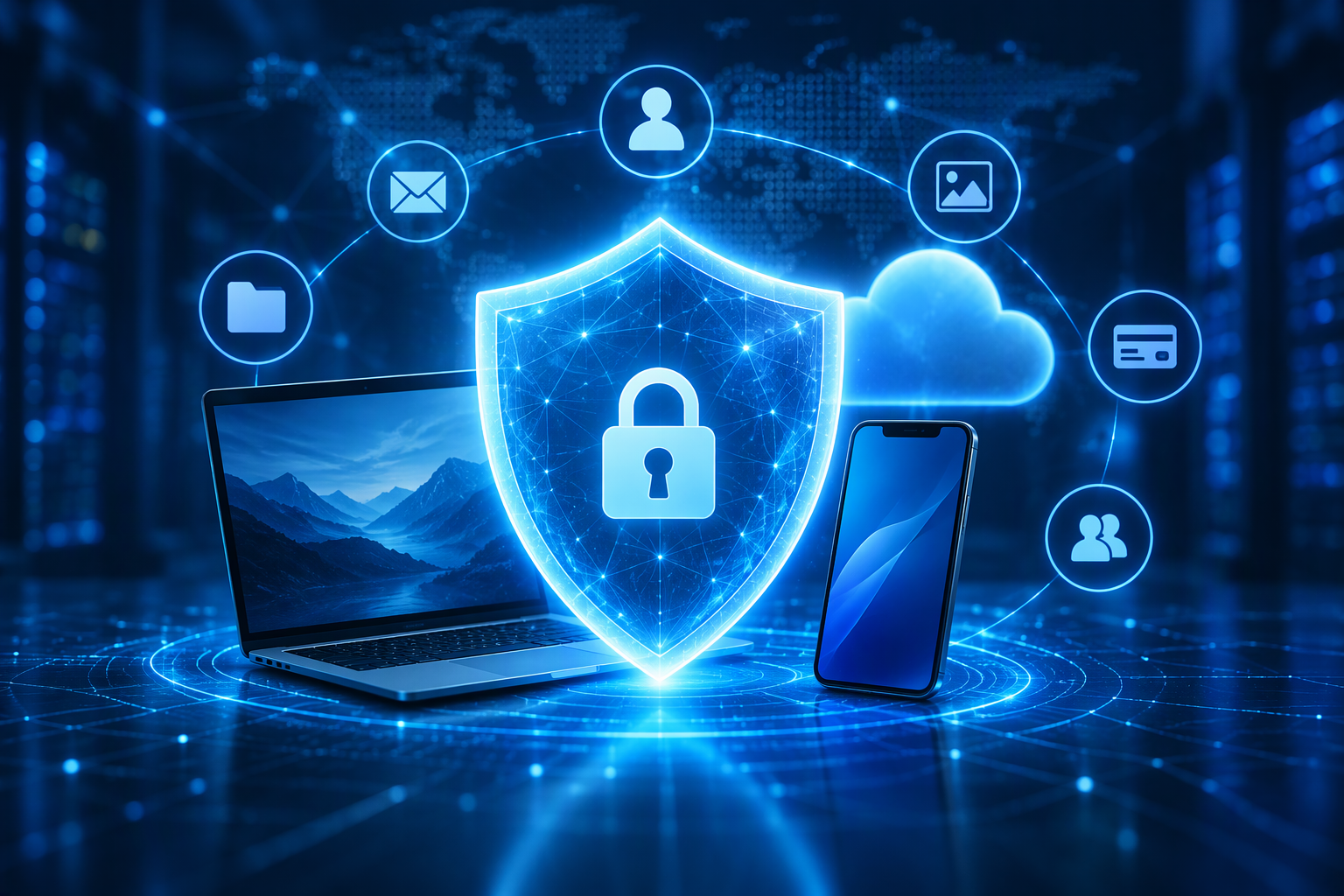
In a connected world, cybersecurity is not only a concern for large organizations. Every online account, device, and digital transaction can expose personal information to cyber threats. The good news is that a few consistent habits can significantly reduce your risk.
Why your digital footprint matters
Your digital footprint includes the information you share online, the accounts you create, the websites you visit, and the data collected by apps and services. Attackers can use exposed details to target you with phishing, identity theft, account takeovers, and fraud.
Use strong, unique passwords
Create a different, long password for every important account. A password manager can generate and securely store complex passwords, so you do not need to reuse or memorize them. Never use easily guessed details such as birthdays, names, or common words.
Turn on multi-factor authentication
Multi-factor authentication adds another verification step beyond your password. Enable it for email, banking, social media, cloud storage, and other accounts that contain sensitive information. An authenticator app or security key is generally more secure than text-message codes when those options are available.
Recognize phishing attempts
Be cautious with unexpected messages that create urgency, request sensitive information, or ask you to open an attachment or sign in through a link. Check the sender and destination carefully, and visit the official website directly instead of using a suspicious message link. When in doubt, verify the request through a trusted channel.
Keep devices and software updated
Install operating system, browser, app, and security updates promptly. Updates often fix vulnerabilities that criminals could otherwise exploit. Remove apps you no longer use and download software only from trusted sources.
Secure your home network
Change the default administrator password on your router, use modern Wi-Fi encryption, and keep the router firmware updated. Avoid entering sensitive information on public Wi-Fi unless you trust the network and use appropriate security protections.
Protect personal information
Share less personal information publicly, review app permissions, and limit access to your location, contacts, microphone, and camera. Check privacy settings on social platforms regularly, because default settings may reveal more than you intend.
Back up important data
Maintain regular backups of important documents and photos using a secure external drive or trusted cloud storage. Keep at least one backup separate from your main device so it remains available if ransomware or hardware failure affects your files.
Monitor your accounts
Review account activity, bank statements, and security alerts for unusual behavior. If you suspect an account has been compromised, change its password from a trusted device, revoke unfamiliar sessions, enable multi-factor authentication, and contact the relevant service provider.
A simple cybersecurity routine
- Use unique passwords stored in a password manager.
- Enable multi-factor authentication on critical accounts.
- Update devices and applications regularly.
- Pause and verify unexpected messages.
- Review privacy settings and app permissions.
- Back up valuable files and test your backups.
Conclusion
Cybersecurity is built from small, repeatable decisions. By protecting your accounts, updating your devices, limiting the information you share, and staying alert to suspicious messages, you can make your digital footprint safer and more resilient.